How to Choose a Smart Plug That Actually Stays Connected
Smart plugs look simple, but picking the wrong protocol or power rating leads to constant dropouts. Here is how to pick the right smart plug for your home setup.
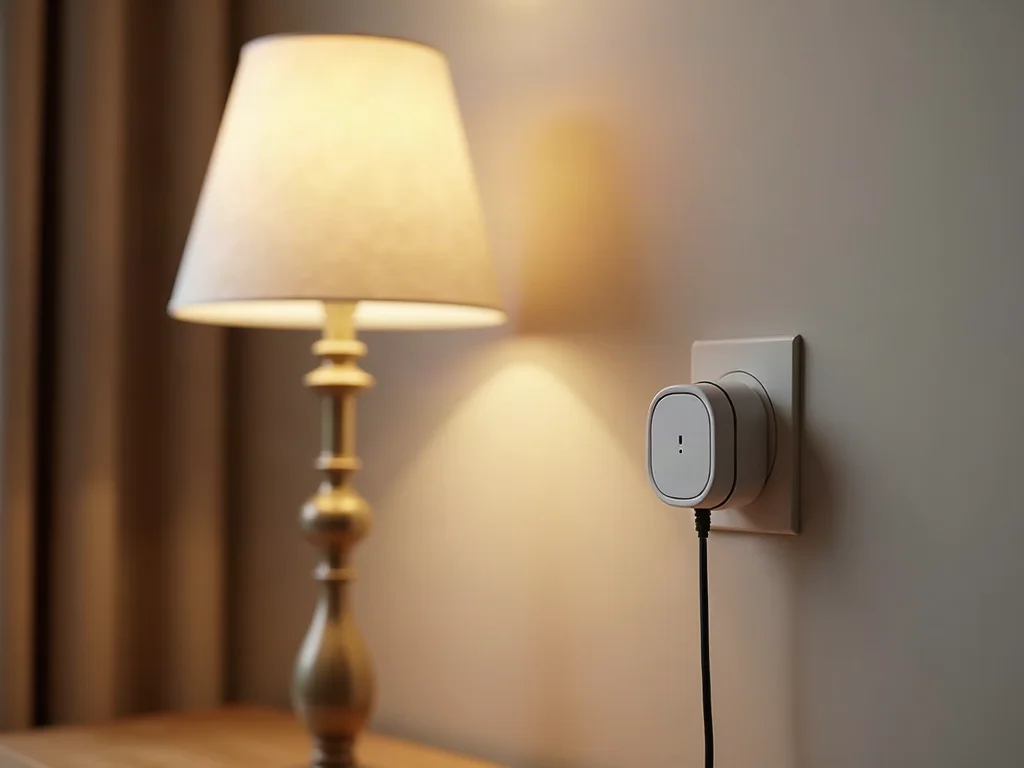
Smart plugs are easily the most useful starter gadget in home automation. You plug one into an outlet, plug in a lamp or coffee machine, and suddenly you have phone and voice control.
However, many people buy the cheapest smart plug on sale, only to spend every weekend resetting Wi-Fi connections or watching schedules fail. Choosing a reliable smart plug comes down to understanding four practical factors before you buy.
[!TIP] Smart Plug Selection Checklist:
- Radio Protocol: Matter over Thread for fast local response, or 2.4GHz Wi-Fi for basic standalone use.
- Power Rating: 15A rating for heavy appliances; 10A rating is strictly for lamps and small electronics.
- Energy Monitoring: Essential if you plan to track electricity cost or trigger power-based automations.
- Physical Size: Compact rectangular designs leave adjacent wall outlets accessible.
1. Pick the Right Wireless Protocol for Your Household
The wireless radio inside a smart plug determines how fast it responds and whether it stays online when your internet router stutters.
Wi-Fi Smart Plugs
Wi-Fi plugs connect directly to your home router without needing a dedicated hub. They are budget friendly and work well if you only plan to install two or three units.
The downside is router congestion. If you install fifteen Wi-Fi smart plugs alongside laptops, phones, and streaming boxes, your home Wi-Fi network can slow down. Most Wi-Fi plugs also depend on cloud servers, meaning an internet outage disables your schedules.
Matter over Thread Smart Plugs
Thread is a modern mesh networking protocol designed specifically for smart homes. Thread smart plugs communicate directly with each other and your anchor hub locally, bypassing the cloud entirely.
If one Thread device drops, signals automatically reroute through nearby plugs. I personally recommend Thread plugs for anyone building a multi-room setup, because response time is nearly instantaneous and local schedules run even during internet outages.
2. Match the Wattage Rating to Your Appliance
Every smart plug carries a maximum current load limit printed on the back shell. Ignoring this rating is a safety hazard.
10-Amp Plugs (Standard Duty)
These plugs handle light loads up to roughly 1200 watts. They are ideal for floor lamps, desk fans, ambient LED strip power bricks, and holiday tree lighting.
15-Amp Plugs (Heavy Duty)
These plugs handle loads up to 1800 watts. Use 15-amp plugs for space heaters, portable air conditioners, coffee makers, and microwave ovens. Heavy motor loads produce initial power surges that will trip or melt a lower-rated 10-amp relay.
3. Decide If You Need Energy Monitoring
Basic smart plugs simply switch power on and off. Energy monitoring plugs include built-in current sensors that measure active wattage and daily kilowatt-hour consumption.
Energy monitoring serves two great purposes:
- Power Tracking: You can see exactly how much electricity an old refrigerator or gaming setup consumes per month.
- Advanced Triggers: You can create automations based on current draw. For example, when your washing machine finishes its spin cycle and power drop below 5 watts, your system can send a notification to your phone.
If you plan to build custom routines around appliance power states, spending a tiny bit more for energy monitoring built into the plug is well worth it.
4. Check Form Factor and Physical Layout
Wall outlets in most homes are arranged in vertical pairs. A wide or bulky smart plug will block the adjacent outlet socket, wasting usable wall space.
Look for slim, rectangular plugs designed to fit side by side or stacked vertically without covering neighboring outlets. If you need to power multiple devices in a tight space behind a media center, consider a dedicated smart power strip with individually controllable outlets.
Frequently Asked Questions
Why do my Wi-Fi smart plugs keep going offline?
Most Wi-Fi smart plugs only support 2.4GHz Wi-Fi bands. If your home router uses a combined single network name for both 5GHz and 2.4GHz, the plug can periodically lose connection during band steering.
Can I plug a surge protector into a smart plug?
Yes, provided the total combined wattage of all devices connected to the surge protector does not exceed the maximum amperage rating of the smart plug.
Verify Compatibility Before Buying
Check out our full Smart Plugs & Energy Monitoring Pillar Guide for deep dives and energy tracking tips.
Use our free Compatibility Checker to verify whether a plug uses Wi-Fi, Matter, or Zigbee, or explore Automation Recipes to see smart plugs in action!
Recommended Hardware for This Setup
Top-rated, verified smart home devices matching the recommendations in this guide.

BSEED EU Electrical Wifi Smart Socket Wall Plug With Power Monitor Timing Functi...

Tigreat WiFi Smart Plug EU,FR,16A-Bluetooth-Timer/Voice/Remote Control-Tuya/Smar...
